Do thừa 1 cái Android nên mình nghịch xem có gì hay ho để làm không :D
Cài đặt các phần mềm/packages
1. Phần mềm Termux
Vào Google Store, tìm và cài đặt ứng dụng Termux
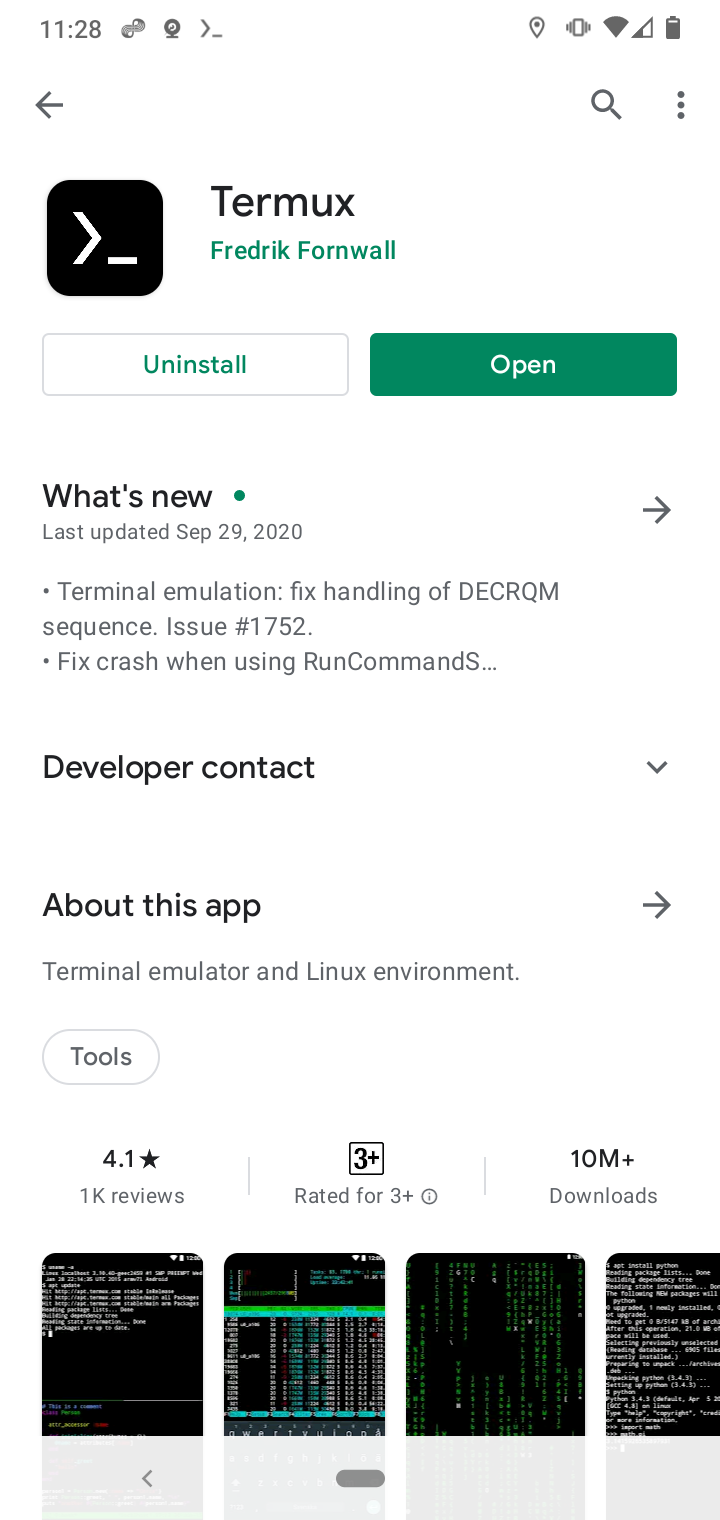
Cài xong, giao diện Termux na ná thế này. :D
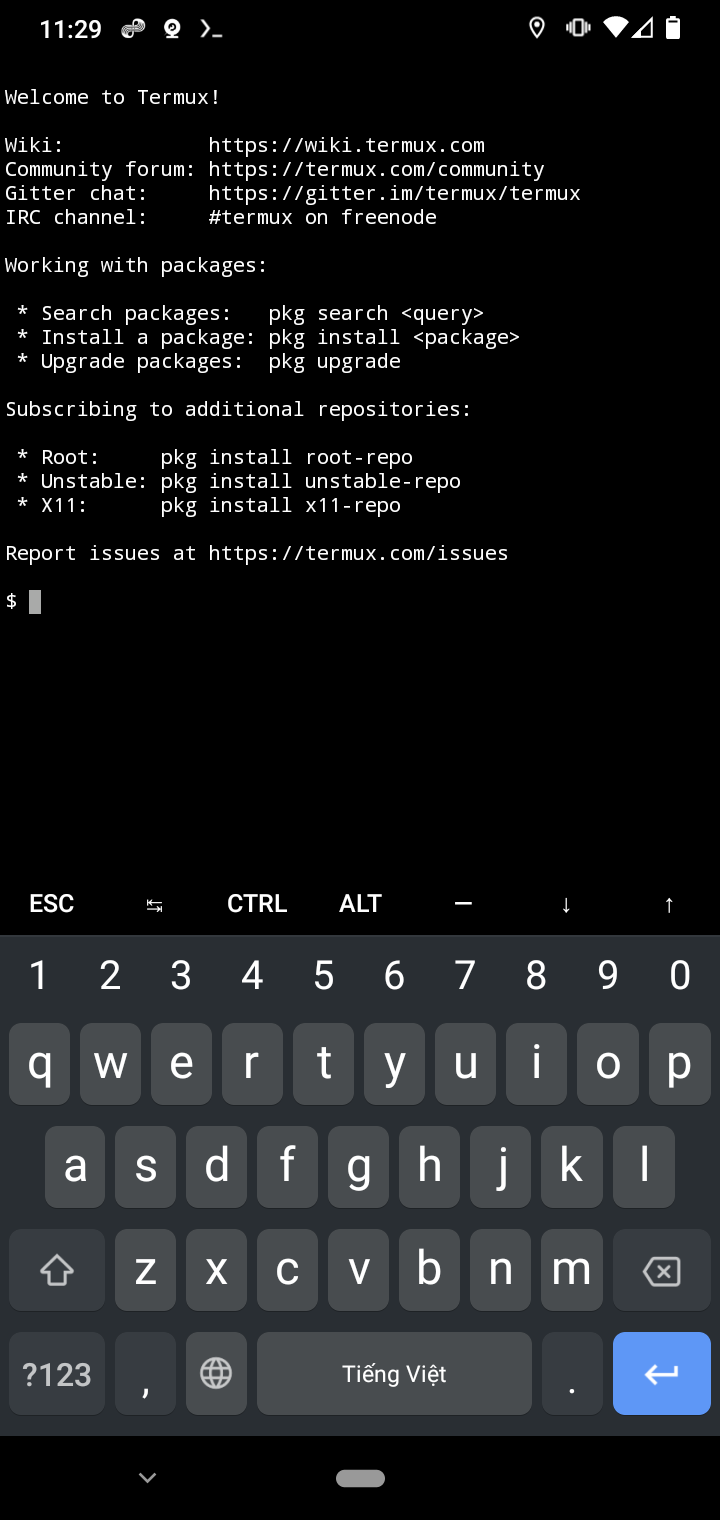
2. Packages
Cài đặt thêm các packages phục vụ cho việc dựng server.
// Cài đặt git
$ pkg install git

// Cài đặt text editor
$ pkg install vim

// Cài đặt PHP 8
$ pkg install php
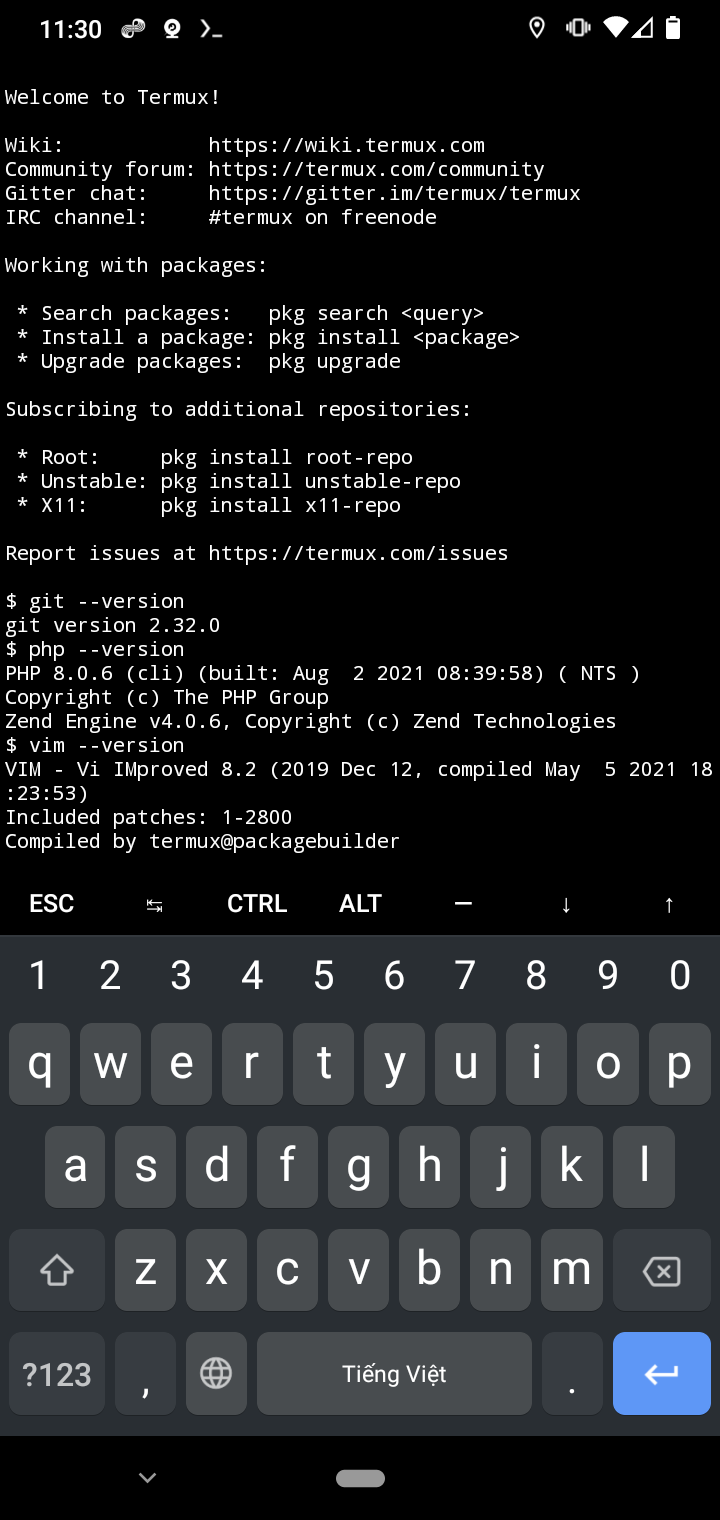
Ngoài ra nếu bạn muốn cài các package khác có thể tìm kiếm bằng câu lệnh pkg search <tên-package>.
Tạo thử 1 project bằng PHP
Trên giao diện termux
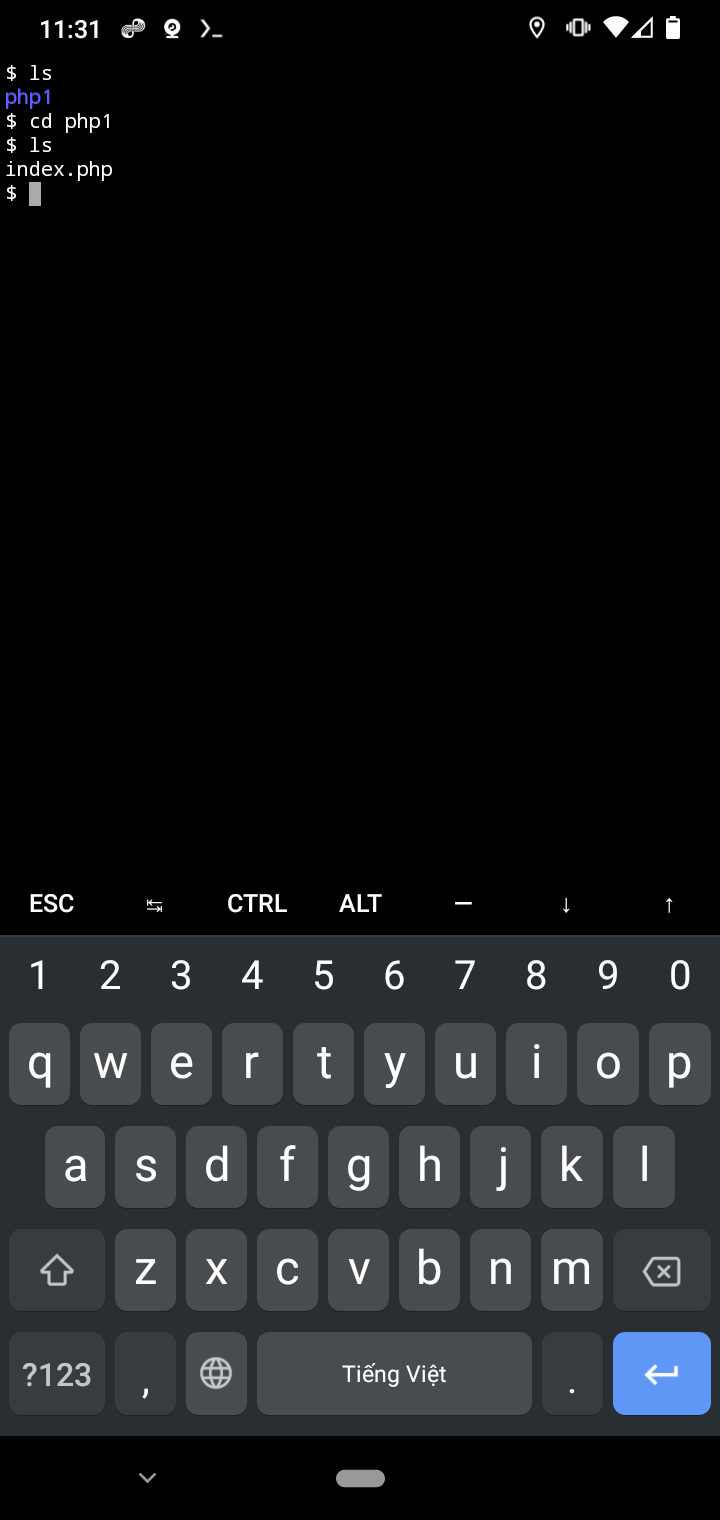
// Tạo và truy cập vào thư mục project
$ mkdir php1
$ cd php1

// Tạo file index.php
$ touch index.php

// Chỉnh sửa file index.php
$ vim index.php
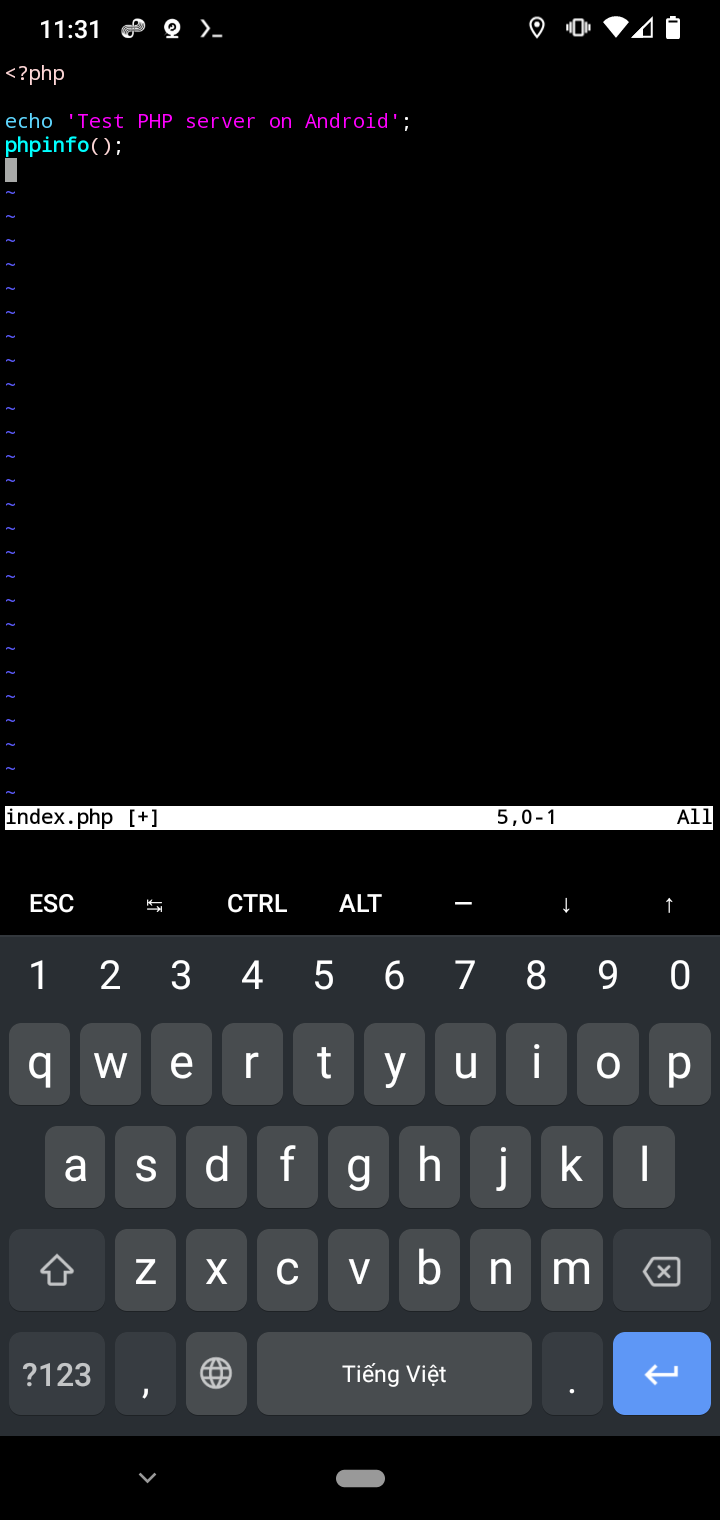
Thêm 1 vài dòng code vào file index.php
<?php
echo 'Test PHP server on Android';
phpinfo();
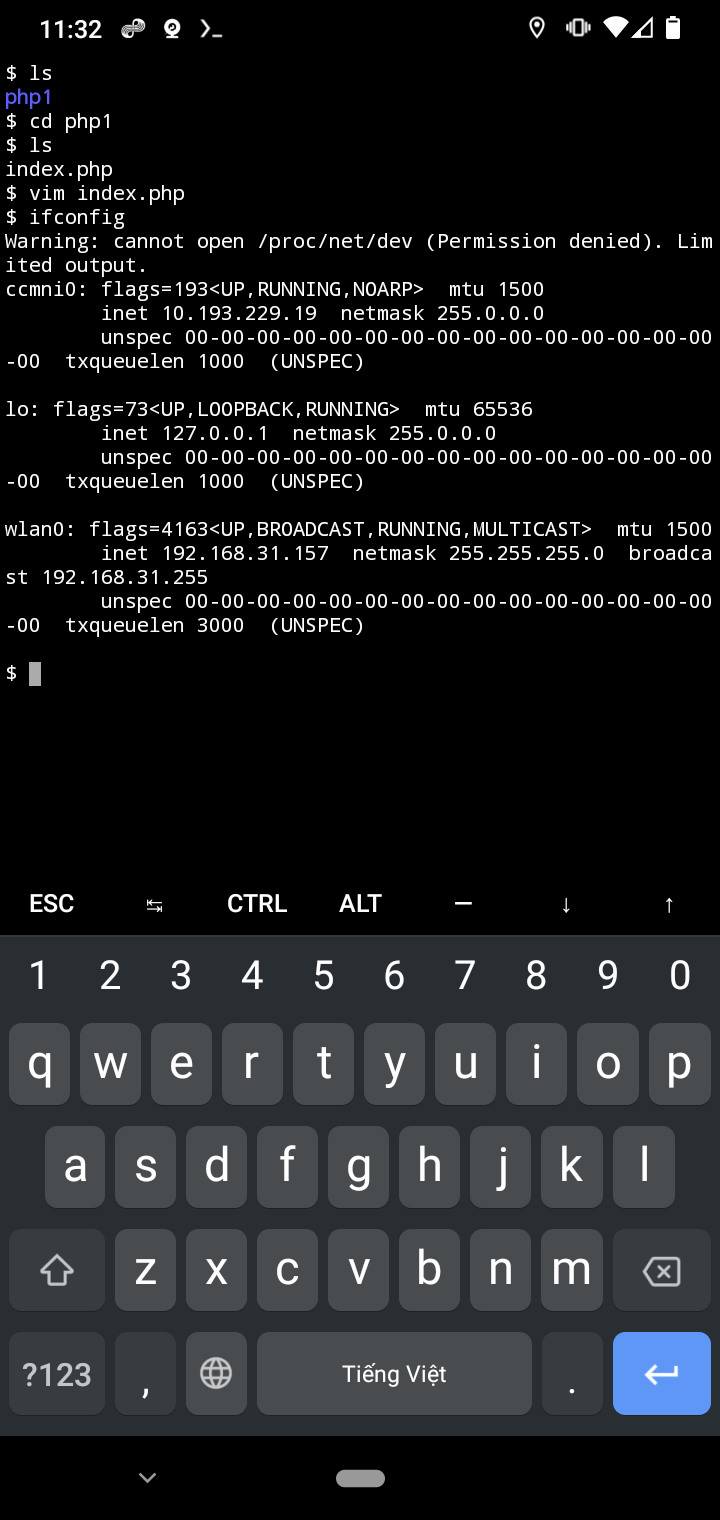
Chạy command sau để kiểm tra IP:
$ ifconfig
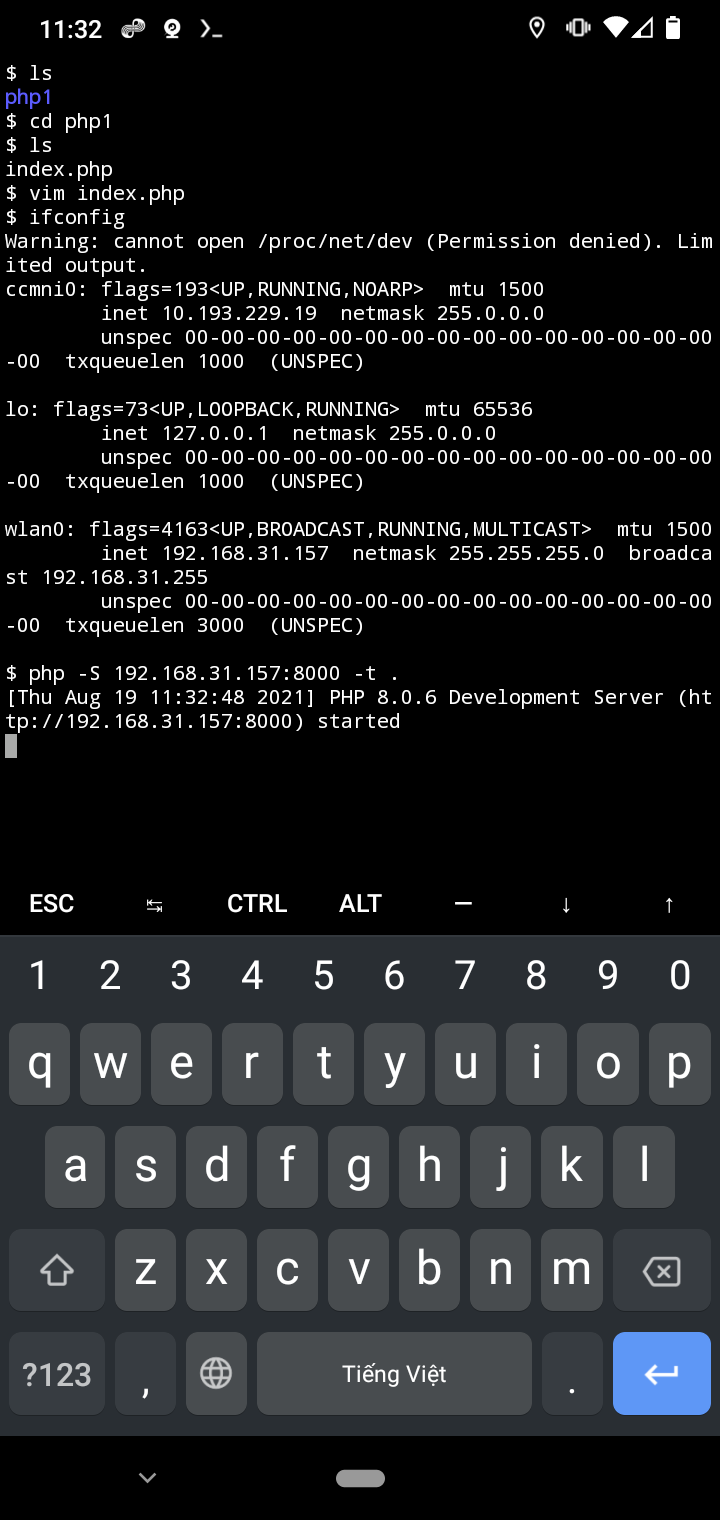
Khởi chạy PHP bằng command trên termux:
// Truy cập vào thư mục project
$ cd php1

// php -S address:port -t root_directory
$ php -S 192.168.31.157:8000 -t .
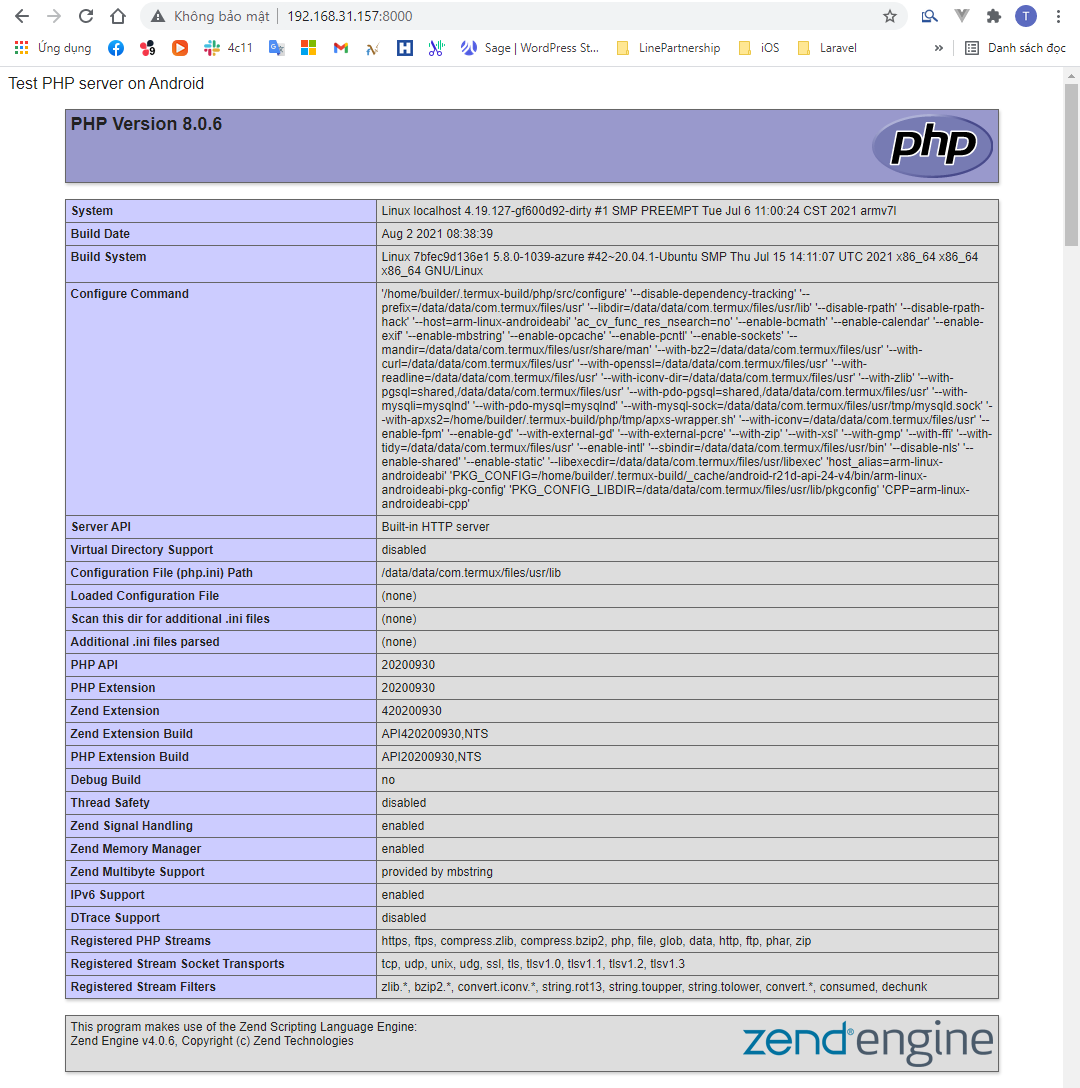
Trên trình duyệt máy tính, truy cập vào URL: 192.168.31.157:8000 chúng ta được:
SSH từ PC vào Android
Nếu bạn cảm thấy gõ trên điện thoại mỏi tay và chậm thì sử dụng SSH để có thể truy cập vào Android bằng terminal trên máy tính.
1. Cài đặt package OpenSSH
$ pkg install openssh
2. Cài đặt mật khẩu
$ passwd
3. Kiểm tra username
$ whoami // kết quả sẽ na ná như này: u0_a254
4. Khởi chạy ssh server
$ sshd

// Kiểm tra xem ssh đã hoạt động chưa
$ logcat -s 'ssh:*' // Server listening on port 8022
5. SSH vào Android
$ ssh <username>@<host> -p8022
Bonus
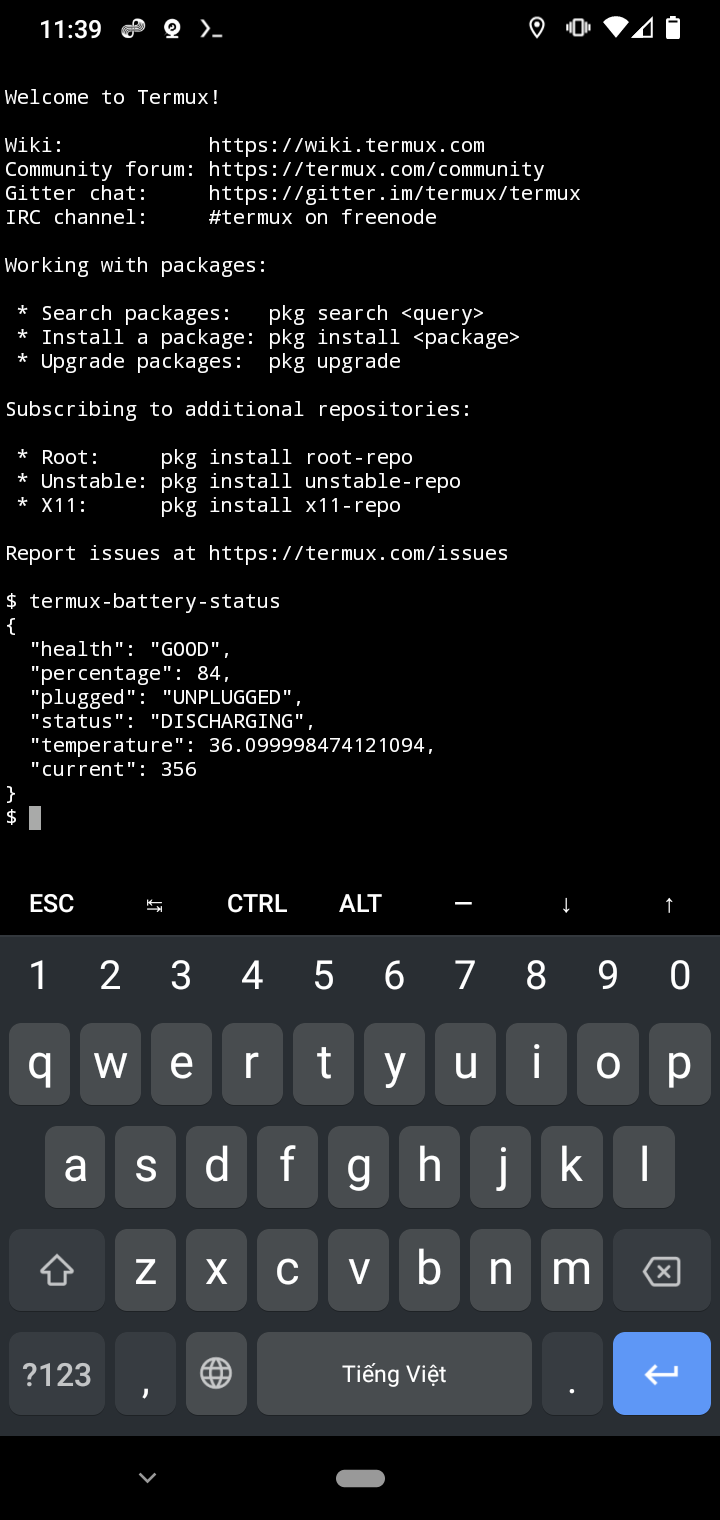
Ngoài ra bạn có thể lấy 1 số thông tin của thiết bị bằng termux-API dưới dạng command.
1. Cài đặt package termux-API
$ pkg install termux-api
2. 1 số chức năng của termux-API hiện tại
termux-battery-status: Get the status of the device battery.termux-brightness:Set the screen brightness between 0 and 255.termux-call-log: List call log history.termux-camera-info: Get information about device camera(s).termux-camera-photo: Take a photo and save it to a file in JPEG format.termux-clipboard-get: Get the system clipboard text.termux-clipboard-set: Set the system clipboard text.termux-contact-list: List all contacts.termux-dialog:Show a text entry dialog.termux-download:Download a resource using the system download manager.termux-fingerprint:Use fingerprint sensor on device to check for authentication.termux-infrared-frequencies: Query the infrared transmitter’s supported carrier frequencies.termux-infrared-transmit: Transmit an infrared pattern.termux-job-scheduler: Schedule a Termux script to run later, or periodically.termux-location:Get the device location.termux-media-player: Play media files.termux-media-scan: MediaScanner interface, make file changes visible to Android Gallerytermux-microphone-record: Recording using microphone on your device.termux-notification:Display a system notification.termux-notification-remove: Remove a notification previously shown with termux-notification –id.termux-sensor:Get information about types of sensors as well as live data.termux-share:Share a file specified as argument or the text received on stdin.termux-sms-list: List SMS messages.termux-sms-send: Send a SMS message to the specified recipient number(s).termux-storage-get: Request a file from the system and output it to the specified file.termux-telephony-call: Call a telephony number.termux-telephony-cellinfo: Get information about all observed cell information from all radios on the device including the primary and neighboring cells.termux-telephony-deviceinfo: Get information about the telephony device.termux-toast:Show a transient popup notification.termux-torch:Toggle LED Torch on device.termux-tts-engines: Get information about the available text-to-speech engines.termux-tts-speak: Speak text with a system text-to-speech engine.termux-usb:List or access USB devices.termux-vibrate:Vibrate the device.termux-volume:Change volume of audio stream.termux-wallpaper:Change wallpaper on your device.termux-wifi-connectioninfo: Get information about the current wifi connection.termux-wifi-enable: Toggle Wi-Fi On/Off.termux-wifi-scaninfo: Get information about the last wifi scan.
Tham khảo:
- https://wiki.termux.com/wiki/Main_Page
- https://www.learntermux.tech/2020/10/Apache2-Termux.html
- http://geekonjava.blogspot.com/2017/03/control-android-phone-using-php.html
- https://wiki.termux.com/wiki/Termux:API
- https://github.com/termux/termux-packages/issues/334
- https://joeprevite.com/ssh-termux-from-computer